
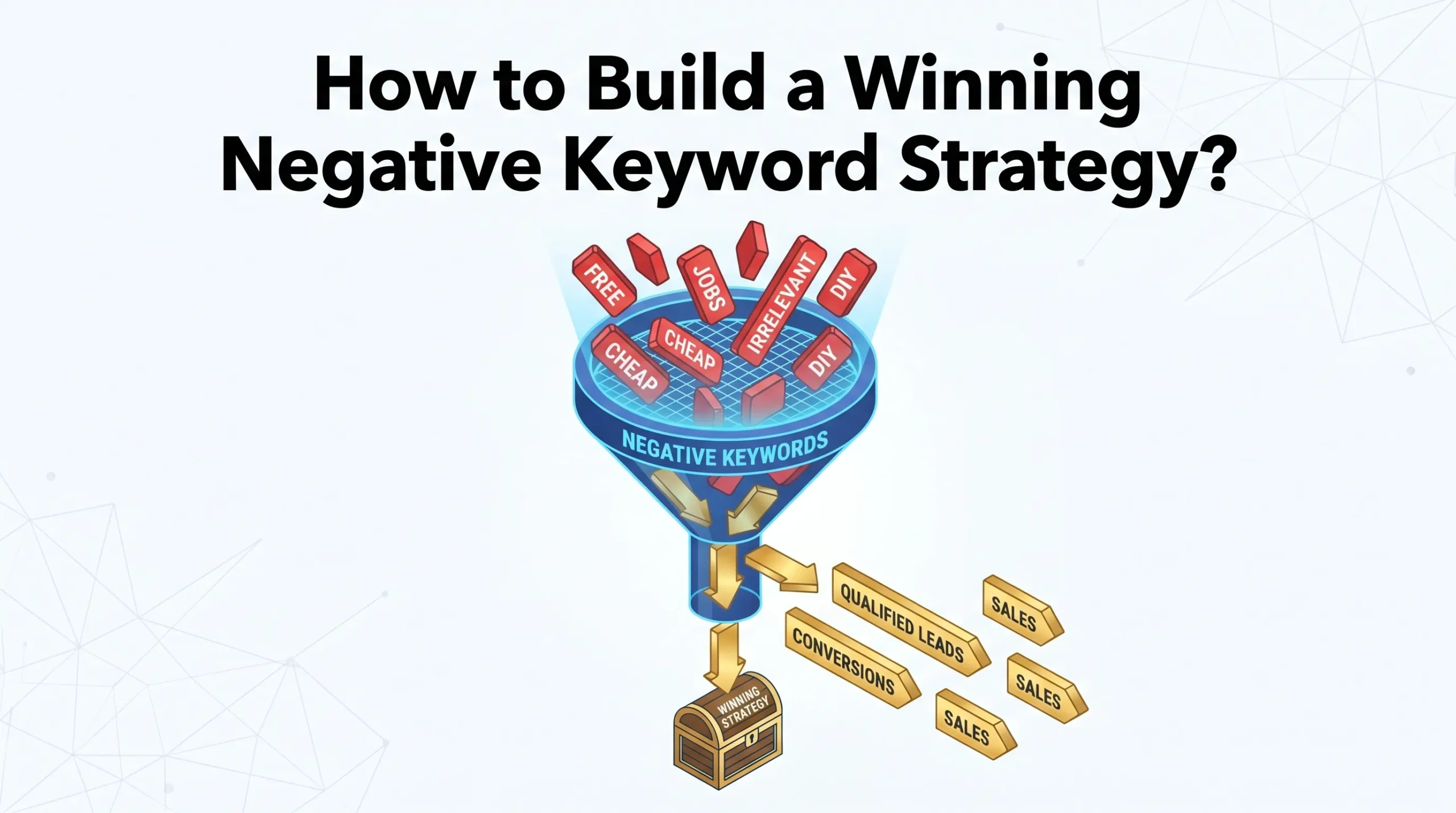
You want every dollar in your ad budget to work hard for you. A strong negative keyword strategy blocks irrelevant clicks, so you only pay for the right audience. Many Google Ads accounts lose money to wrong keywords, but you can avoid this with smart exclusions. When you add negative keywords, you target users who matter most and protect your investment. Keep reviewing your search terms to unlock even better results.
Now, let’s explore what makes negative keywords so essential for your campaigns.
Key Takeaways
-
Negative keywords help you avoid irrelevant clicks and save your ad budget. Use them to focus on the right audience.
-
Regularly review your search term reports to identify and add new negative keywords. This practice keeps your campaigns efficient.
-
Organize negative keywords by relevance and intent. Prioritize those that attract the wrong audience to improve campaign focus.
-
Implement negative keywords at the right level—account, campaign, or ad group—to maximize their effectiveness and control.
-
Treat negative keyword management as an ongoing process. Regular audits and updates lead to better results and reduced wasted spend.
Negative Keyword Strategy Overview
What Are Negative Keywords
You need to understand negative keywords before you build a winning strategy. Negative keywords are words or phrases you exclude from your campaigns. This exclusion helps you focus on the right leads and boosts the efficiency of your online advertising. When you add negative keywords, you prevent your ads from showing to people who search for terms that do not match your offer.
You can use negative keywords at different levels in your account. The table below shows how you can apply them:
|
Level |
Description |
|---|---|
|
Account Level |
Applies to all campaigns within your account. You manage negative keywords centrally. |
|
Campaign Level |
Applies to all ads within a specific campaign. You ensure broader relevance for that campaign. |
|
Ad Group Level |
Applies to specific ad groups. You control which ads show for particular searches. |
You can also choose the match type for your negative keywords:
-
Broad match: Excludes ads if the search contains all negative keywords, no matter the order.
-
Phrase match: Excludes ads if the search contains all negative keywords in the same order.
-
Exact match: Excludes ads only if the search contains the exact negative keyword.
Common negative keywords include:
-
job
-
jobs
-
how to
-
become
-
salary
-
free
-
torrents
-
YouTube
-
Amazon
-
Udemy
-
Craigslist
Why Negative Keywords Matter
You want your ads to reach people who are ready to take action. Negative keywords help you refine your targeting and improve lead quality. When you exclude irrelevant search terms, you protect your ad budget and prevent wasted spend. You can save up to 20% on your digital advertising budget by using negative keywords effectively. In some cases, you may recover thousands of dollars each month.
Negative keywords enhance your campaign by blocking non-converting clicks and ensuring your ads reach users who are more likely to convert.
You gain more control over your campaigns. Account-level negative keywords save time and reduce errors. Campaign-level negatives allow for granular control. This strategy improves efficiency and keeps your ads focused on the right audience.
Building Your Negative Keyword Strategy
Negative Keyword Analysis
You need a clear process to analyze and manage negative keywords. Start by deciding where to apply them—at the account, campaign, or ad group level. This choice shapes how broadly your exclusions protect your budget. Use keyword research tools like Google Keyword Planner, Semrush, or specialized Negative Keyword Tools. These tools scan your campaigns, flag wasteful terms, and help you refine your targeting.
Follow these steps for a thorough negative keyword analysis:
-
Determine the level of application for each negative keyword.
-
Regularly update your negative keyword list by reviewing your search terms report.
-
Use keyword research tools to spot unwanted search terms that trigger your ads.
You can see real-world results from businesses that take this approach. For example, a landscaping company found their ads appeared for searches like “landscaping jobs” and “DIY landscaping tips.” By adding these as negative keywords, they stopped wasting money on irrelevant clicks.
Identifying Irrelevant Search Terms
You must identify which search terms waste your budget. Regular audits reveal that 20% to 40% of ad spend often goes to irrelevant traffic. Use your search terms report and keyword research tools to find these low-intent queries.
|
Method |
Description |
|---|---|
|
Negative Keywords |
Exclude low-intent keywords to focus your spend on relevant clicks that lead to sales. |
|
Regular Audits |
Audits uncover wasted spend and keep your campaigns efficient. |
|
Tools for Keyword Research |
Google Keyword Planner and Semrush help you spot irrelevant keywords through detailed analysis. |
Block low-intent searches with negative keywords. Conduct regular audits to maintain efficiency. Use keyword research tools to keep your campaigns sharp.
Categorizing And Prioritizing
You need to organize your negative keywords for maximum impact. Start by grouping them based on relevance and intent. Prioritize keywords that do not convert or that attract the wrong audience. This step reduces wasted spend and improves your campaign’s focus.
|
Criteria |
Description |
|---|---|
|
Irrelevant Keywords |
Remove keywords that do not convert, based on performance data. |
|
Prevent Internal Competition |
Use negatives to stop your ads from competing against each other, optimizing your structure. |
|
Advanced Keyword Management |
Focus on high-value keywords with exact match bidding, reducing reliance on negatives. |
Apply negative keywords at the campaign level for broad exclusions. Use ad group-level negatives for more control. Create account-level lists for terms that never fit your business.
Note: Strategic negative keyword use can boost your click-through rate from 2.1% to 3.8% and lower your cost per acquisition from $485 to $290.
Implementation In Campaigns
You must implement your negative keywords with care. Start with high-confidence exclusions and expand as you gather more data. Add negative keywords at the right level—account, campaign, or ad group—based on your goals.
-
Implement strategic negatives to cut wasted spend by 15-30% and improve your return on ad spend by 20-40%.
-
Monitor your search term reports and add new negatives as you spot irrelevant queries.
-
Build a dedicated account-level negative keyword list for brand protection and industry-standard exclusions.
Tip: Avoid over-exclusion. Do not add too many negatives based on assumptions. Let your data guide you.
Common mistakes include using the wrong match type, neglecting regular updates, or adding negatives that conflict with your positive keywords. Always document why you add each negative keyword and review your choices after your campaigns have run for 2-4 weeks.
Ongoing Optimization
You need to treat negative keyword management as an ongoing process. Review your search term reports often. The right frequency depends on your ad spend:
|
Account Type |
Review Frequency |
|---|---|
|
High-Spend Accounts ($10k+) |
2-3 times per week |
|
Medium-Spend Accounts ($2k-$10k) |
Weekly |
|
Lower-Spend Accounts (<$2k) |
Bi-weekly to monthly |
Update your negative keyword lists when you launch new campaigns or change match types. Set calendar reminders for regular reviews, especially for high-spend terms. If you notice a drop in performance, check your negatives and adjust as needed.
Ongoing optimization brings measurable benefits:
|
Benefit |
Description |
|---|---|
|
Improved Traffic Quality |
Attracts more qualified leads. |
|
Enhanced Conversion Rates |
Increases the chance of turning clicks into customers. |
|
Reduced Wasted Ad Spend |
Cuts spending on irrelevant clicks, making your budget go further. |
|
Better Campaign Efficiency |
Streamlines your campaigns for long-term success. |
Keep refining your negative keyword strategy. You will see stronger returns, higher relevance, and a lasting competitive edge.
Avoiding Wasted Spend And Common Mistakes
Overlooking Search Terms
You risk wasting your budget if you ignore your search term reports. Many advertisers lose money because they do not review which queries trigger their ads. When you skip this step, your ads show up for irrelevant searches, leading to low click-through rates and poor conversions. High click rates with few conversions often signal that you pay for the wrong traffic.
Here are proven strategies to avoid missing important search terms:
|
Strategy |
Description |
|---|---|
|
Regular Maintenance |
Audit your negative keyword lists to prevent blocking valuable traffic. |
|
Review search term reports often to find new irrelevant terms. |
|
|
Use of Shared Lists |
Manage shared negative keyword lists for consistency across all campaigns. |
Excessive Or Insufficient Negatives
You need balance when adding negative keywords. If you ignore negatives, your ads appear for unrelated searches, wasting your budget on unqualified clicks. On the other hand, using too many negatives can block valuable traffic and reduce your campaign’s reach.
-
Not using negatives leads to wasted spend and lower ROI.
-
Overusing negatives can cause fewer impressions and lost sales.
For example, if you sell premium furniture, failing to exclude terms like “cheap” or “free” attracts the wrong audience. Always update your negative keyword list to keep your ads focused on buyers who matter.
Ignoring Match Types
You must choose the right match type for each negative keyword. Using broad match negatives can block a wide range of searches, sometimes even valuable ones. Phrase and exact match negatives offer more control but may miss some irrelevant queries.
-
Over-blocking with broad match can limit your campaign’s visibility.
-
Too many negatives can reduce impressions and sales opportunities.
-
Track query performance before negating. Do not exclude a term after just one non-converting click.
Be cautious with match types. Broad match covers more, but phrase and exact match give you precision. Always review your results and adjust as needed to protect your reach and efficiency.
FAQ
What are negative keywords in Google Ads?
Negative keywords block your ads from showing for unwanted searches. You use them to avoid paying for clicks that will not convert. This strategy protects your budget and improves your campaign targeting.
How often should you review your negative keyword list?
You should check your negative keyword list weekly. High-spend accounts need more frequent reviews. Regular updates help you catch new irrelevant terms and keep your campaigns efficient.
Can negative keywords hurt your campaign?
Yes, using too many negative keywords can limit your reach. You might block valuable traffic by mistake. Always review your search term reports and adjust your list based on real data.