
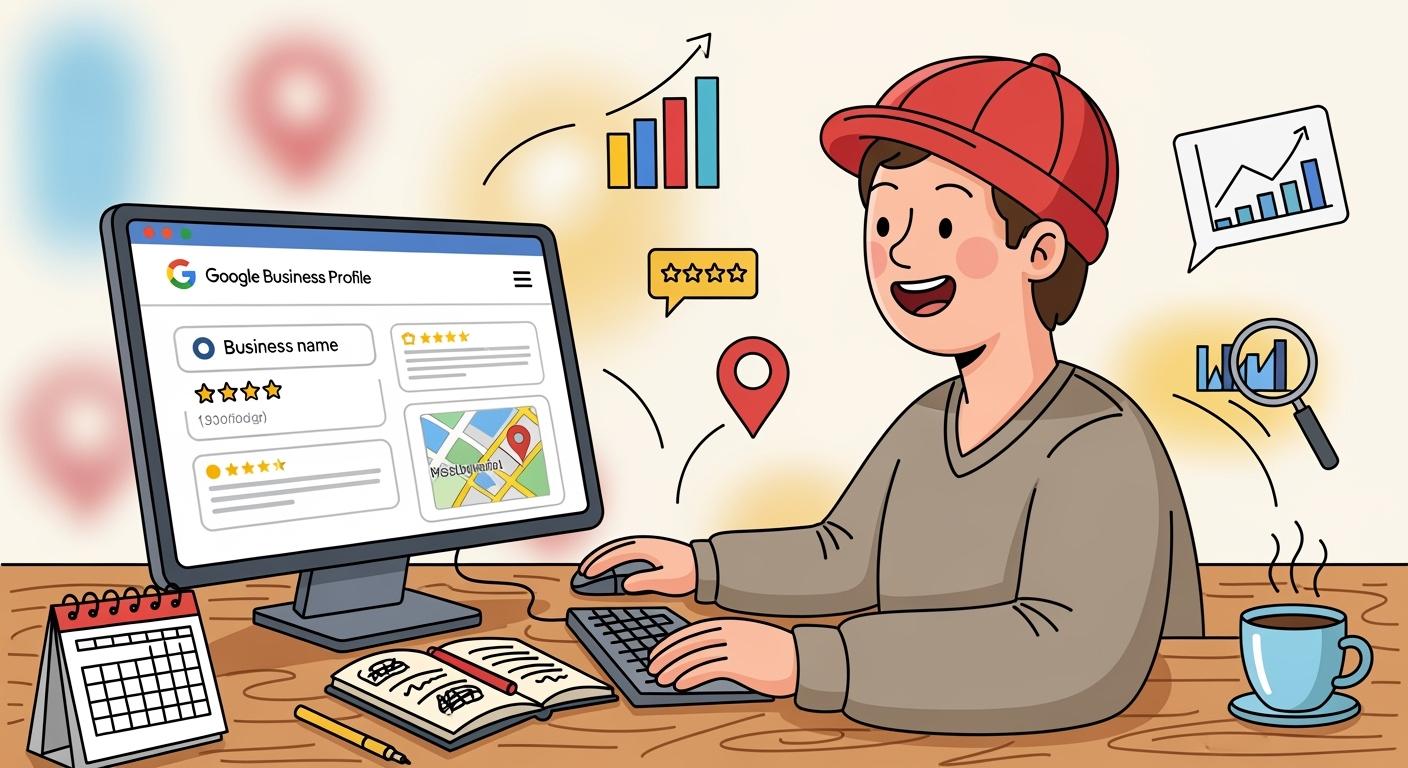
Boosting your online visibility can feel overwhelming, but google business profile optimization makes a huge difference. You might wonder if it’s simple—yes, you can do it! With a complete profile, customers see your business as reputable and are more likely to visit or make a purchase.
-
Customers are 2.7 times more likely to view a business as reputable with a complete profile.
-
Over 5% of profile views convert when a ‘Book’ button is added.
-
A complete profile is 70% more likely to attract visits and 50% more likely to lead to purchases.
Many beginners worry about which profile fields matter most or how to manage reviews. Don’t stress. The process is straightforward, and you’ll see results as you follow each step.
Key Takeaways
-
Claim and verify your Google Business Profile to unlock features that enhance visibility and trust.
-
Complete your profile with accurate information and engaging visuals to attract more customers and improve local SEO.
-
Regularly post updates and manage reviews to keep your profile active, which boosts engagement and search rankings.
Google Business Profile Setup and Essentials
Claim and Verify Profile
Ready to take control of your google business profile? Start by claiming your business listing. You can follow these steps:
-
Click “Claim this business” or “Own this business?”
-
Enter your business information.
-
Verify ownership.
Verification matters. When you verify your google business profile, you unlock features like editing your business listing, responding to reviews, and posting updates. Unverified profiles have limited visibility and can’t engage with customers. A verified profile shows a badge, signaling authenticity and boosting trust.
Tip: Verification methods include video, postcard, phone, or email. Choose the one that works best for you.
Complete Business Information
Fill out every detail in your google business profile. Make sure your business name, address, phone number, and hours are accurate. Consistency across platforms builds trust and helps your business listing rank higher in local searches. Avoid mistakes like duplicate listings, blank fields, or using a personal account.
|
Mistake |
Description |
|---|---|
|
Duplicate listings |
Splits reviews and confuses Google. |
|
Inconsistent information |
Phone, address, or name differs across the web. |
|
Keyword stuffing |
Violates guidelines and risks suspension. |
|
Blank fields |
Makes your profile look incomplete. |
|
Personal account usage |
Risks losing control of your business listing. |
Choose Accurate Categories
Pick a primary category that describes your business listing. Secondary categories help you reach more customers. Think about profitability, search volume, and your business goals. Accurate categories improve your google business profile’s visibility in “near me” searches.
Add Website URL
Add your website URL to your google business profile. Customers can visit your site directly from your business listing. This boosts engagement and increases conversion rates. A complete profile with a website link is 70% more likely to attract visits and 50% more likely to convert those visits into purchases.
Google Business Profile Optimization for Visibility
You’ve set up your google business profile and covered the basics. Now, it’s time to focus on google business profile optimization for visibility. This is where you turn a simple listing into a powerful tool for attracting more customers and improving your local seo.
Many business owners stop after filling out their name, address, and hours. If you want to stand out in local search results, you need to go further.
Think about how people search for businesses like yours. They use their phones to find a nearby restaurant, plumber, or boutique. They look for photos, reviews, and updates before making a decision. Google my business gives you the tools to show up in these high-intent local search moments. When you optimize your profile, you help Google understand what you offer, which means your business appears more often in local search results. This boosts your local visibility and brings in more customers who are ready to buy.
You might wonder if these steps are complicated. They’re not. You can improve your local seo and get more eyes on your business by following a few simple strategies. You’ll learn how to use keywords, add engaging photos and videos, post updates, manage reviews, and track your results. Each step makes your google business profile more attractive to both customers and Google’s algorithms.
Here’s some practical ways you can optimize your profile and get noticed in local search.
Optimize Description with Keywords
Your business description is one of the most important parts of google business profile optimization. It tells potential customers who you are and what you do. It also helps Google match your business to relevant local search results. To improve your local seo, you need to use keywords that your customers actually search for.
Tip: Write a concise summary of your services and unique selling points. Use top keywords naturally, but don’t force them. Here’s a quick guide to writing an effective description:
|
Tip |
Description |
|---|---|
|
Use keyword-rich summary |
Write a concise summary of services and unique selling points, incorporating top keywords naturally. |
|
Focus on clarity and value |
Ensure that the keywords fit contextually within the description to enhance relevance. |
-
Incorporate relevant keywords into your business description and posts to align with search intent.
-
Make sure your profile is full and accurate. This increases your reputation and visibility.
-
Avoid vague phrases and keyword stuffing. Google my business values human readability.
-
Use keywords in your services and posts, not just the description.
When you optimize your profile with the right keywords, you increase your chances of showing up in local search results. This is a key part of local seo and helps you reach more customers in your area.
Add Photos and Videos
Photos and videos make your google business profile stand out. People want to see what your business looks like before they visit. High-quality visuals can improve your local seo and drive more engagement.
-
Post high-quality, engaging images that showcase your business personality.
-
Behind-the-scenes content, team photos, and customer interaction shots get more likes than standard product photos.
-
Monitor which images get the most engagement and adjust your strategy.
-
Video content is highly engaging. Use short clips (up to 30 seconds) to show service demos, virtual tours, or customer testimonials.
-
Google my business recommends at least three photos for each category: exterior, interior, team, and products.
High-quality visuals help Google understand your business and improve your ranking in local search results. Poor quality images can turn customers away, so always use clear, authentic photos.
Post Updates and Offers
Keeping your google business profile active with regular updates and offers is essential for google business profile optimization. Fresh content signals to Google that your business is active, which can improve your local seo and boost your position in local search results.
|
Benefit |
Description |
|---|---|
|
Regular posts enhance the visibility of the business profile to potential customers. |
|
|
Engagement |
Posts drive customer interactions and engagement with the business. |
|
Click-Through Rates |
Google Posts can improve click-through rates by promoting offers and events directly. |
|
Targeted Audience |
Posts allow businesses to target specific audiences using relevant keywords. |
|
Fresh Content |
Regular updates keep the business profile fresh and relevant, attracting more customer interest. |
-
Most local businesses should post at least once a week.
-
If you run frequent promotions, consider posting twice a week.
-
Consistency and relevance matter more than volume.
-
Use well-lit, sharp images in your posts.
-
Keep text between 150-300 characters for best results on mobile.
-
Use clear calls to action like “Book your consultation today.”
-
Highlight limited-time offers to create urgency.
Regular updates drive more traffic to your website and encourage customer interaction. This keeps your business top-of-mind in local search.
Request and Respond to Reviews
Reviews are a powerful part of google business profile optimization. They build trust, influence local search results, and improve your local seo. Google my business rewards businesses that actively manage their reviews.
-
Use direct calls to action in your emails and receipts, such as “Loved our service? Leave us a review on Google!”
-
Share your review link on social media and thank customers for their feedback.
-
Create QR codes that link directly to your review page for in-store customers.
-
Send review requests shortly after a purchase or service.
Timing matters. Send requests when customers are most likely to respond. Keep your messages short and friendly.
|
Evidence |
Explanation |
|---|---|
|
Responding to negative feedback promptly |
Shows that you value customer feedback and resolve issues, which improves your online reputation. |
|
Google’s algorithms prioritize businesses that engage with customers |
Active management of ratings and reviews enhances visibility in search results. |
|
Positive reviews increase trust and credibility |
Many people trust Google, and positive reviews help potential customers believe in your credibility. |
|
Thoughtful responses to reviews |
Acknowledging issues and offering resolutions can build trust with future customers reading the reviews. |
-
Positive reviews enhance your online reputation and boost your ranking in local search results.
-
The quantity and quality of reviews are key for local seo.
-
Respond to every review, positive or negative. This shows you care and helps attract more customers.
Monitor Insights and Performance
You can’t improve what you don’t measure. Google my business provides Insights to help you track your google business profile optimization efforts. These analytics show how customers find and interact with your profile, which helps you improve your local seo and local visibility.
Here are the key metrics to watch:
-
Total Searches: See how often your business appears in local search results.
-
Profile Views: Track how many people view your google business profile.
-
Direction Requests: Find out how many users ask for directions to your location.
-
Phone Calls: Count the number of clicks on your call button.
-
Website Clicks: Measure how many users visit your website from your profile.
-
Search metrics include direct, discovery, and branded searches. These help you understand how people find you in local search.
-
User interactions like profile views, direction requests, and website clicks show how customers engage with your business.
-
Customer actions such as bookings, product views, and post engagement measure the impact of your google business profile optimization.
Review your Insights regularly. Look for trends in user behavior and adjust your strategy to improve your local seo. If you see more direction requests after posting new photos, keep adding visuals. If certain keywords drive more views, use them in your posts and services. This data-driven approach helps you stay ahead in local search results and keeps your google business profile working for you.
You can optimize your Google Business Profile in a few easy steps:
-
Update your information.
-
Upload images.
-
Share updates.
-
Request reviews.
-
Track insights.
Keep your profile fresh. Regular updates and review management boost visibility and trust. Ready to stand out? Start optimizing today for more customers and a stronger reputation!
FAQ
How often should you update your Google Business Profile?
You should update your profile at least once a month. Fresh photos, new posts, and updated hours keep your business looking active and trustworthy.
Can you manage your profile from your phone?
Yes! Download the Google Maps app. You can edit your profile, add photos, and reply to reviews right from your smartphone.
What if you get a fake or negative review?
Flag fake reviews for removal. For negative reviews, reply politely and offer to resolve the issue. This shows you care about your customers.