Promoting tweets can transform your social media strategy, helping you achieve goals like higher engagement, greater visibility, and more conversions. When you amplify your content, you ensure it reaches users who matter most to your brand. This approach isn’t just about increasing numbers—it’s about creating meaningful connections that drive results.
If you’re wondering how to promote tweets effectively, targeting the right audience is the secret to success.
Studies show that customers engaged on social media spend 20-40% more on products and services. 49% of users aged 18-29 have made purchases influenced by social media ads. These numbers highlight the power of precision targeting in maximizing your return on investment. To ensure your promotional efforts have a measurable impact, whether you’re a beginner learning how to promote tweets or exploring advanced strategies, it’s crucial to target the right audience.
What Are Promoted Tweets and Their Benefits?
Definition of Promoted Tweets
Promoted tweets are standard tweets that advertisers pay to display to a broader audience. According to Twitter’s official guidelines, these tweets are clearly labeled as “Promoted” and are designed to help brands reach more users or encourage engagement from their existing followers. They appear seamlessly in users’ timelines, making them an effective tool for increasing visibility without disrupting the user experience.
Key Benefits of Promoting Tweets
Enhanced Visibility and Engagement
Promoting tweets ensures your content doesn’t get lost in the noise of a crowded platform. It allows you to reach users who might not follow your account but are likely to engage with your content. This increased visibility can lead to more likes, retweets, and replies, helping you build a stronger connection with your audience.
Precise Audience Targeting
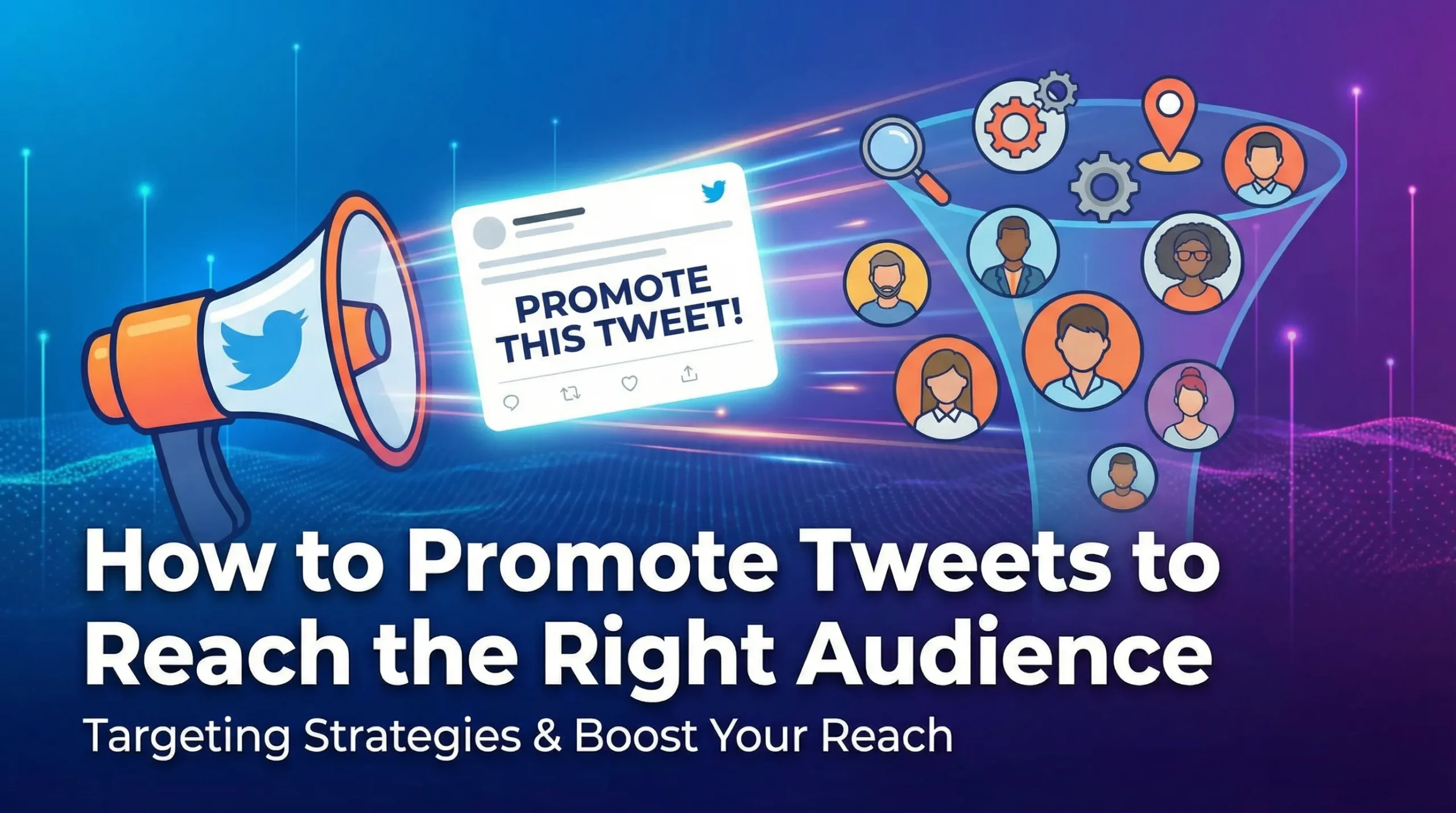
One of the standout features of promoting tweets is the ability to target specific audiences. You can define your audience based on demographics, interests, behaviors, and even location. This precision ensures your message reaches the right people, maximizing the impact of your campaign.
Increased Brand Awareness and Conversions
Promoted tweets are not just about engagement; they also drive results. Whether you’re looking to boost website traffic, generate leads, or increase sales, promoting tweets can help you achieve these goals. By reaching a wider audience, you enhance your brand’s visibility and create opportunities for conversions.
When to Promote a Tweet for Maximum Impact
Timing plays a crucial role in the success of a promoted tweet. To maximize engagement, consider these optimal times:
-
Weekdays around midday, especially at 11 a.m. on Monday and Friday.
-
Early mornings, such as Monday at 4 a.m.
-
Late-night hours, particularly midnight on Sunday, Thursday, and Friday.
These time slots align with peak engagement periods on Twitter, ensuring your promoted tweet gets the attention it deserves. Planning your promotions around these times can significantly boost your campaign’s effectiveness.
How to Promote a Tweet: Step-by-Step Guide
Promoting your tweets effectively starts with choosing the right method. Whether you prefer the simplicity of the quick promote feature or the advanced tools in Twitter Ads Manager, both options can help you achieve your goals.
Let’s find out how to promote a tweet step by step.
Using the Quick Promote Feature
The quick promote feature is perfect when you need a fast and straightforward way to boost your tweet’s visibility. Here’s how you can use it:
Accessing Quick Promote
To access the quick promote feature, navigate to your profile on Twitter. Find the tweet you want to promote and click on it to open the post details page. You’ll see a “Promote” button—this is your starting point.
Steps to Promote a Tweet Quickly
-
Select Your Post: Choose the tweet you want to promote. Click the “Promote” button to begin.
-
Customize Your Promotion: Add geo-targeting details to specify the location of your audience. Then, select a budget tier from the available options.
-
Launch Your Promoted Post: Review your settings carefully. Once satisfied, click “Promote post” to finalize and initiate payment.
This method is ideal for quick campaigns that don’t require extensive customization. It’s a great way to promote tweets and increase your reach with minimal effort.
Using Twitter Ads Manager
For a more strategic approach, Twitter Ads Manager offers advanced tools to help you create impactful campaigns. This platform allows you to tailor your promotions to meet specific objectives, such as increasing engagement or driving website traffic.
Setting Up a Twitter Ads Account
Start by creating a Twitter Ads account. Log in to Twitter and visit the Ads Manager section. Follow the prompts to set up your account, including adding payment details.
Creating a Campaign for Promoted Tweets
Once your account is ready, create an ad campaign. Choose a campaign objective that aligns with your goals, such as “Engagement” or “Website Traffic.” This step ensures your promoted tweet serves a clear purpose.
Selecting Your Target Audience and Budget
Define your audience using advanced targeting options. Specify demographics, interests, and behaviors to ensure your tweet reaches the right people. Set a budget that fits your needs, and decide whether to use a daily or total campaign budget.
Monitoring and Optimizing Campaign Performance
After launching your campaign, monitor its performance through Ads Manager. Track metrics like impressions, clicks, and engagement rates. Use this data to optimize your campaign by adjusting targeting or budget settings. Twitter Ads Manager provides more flexibility and control compared to the quick promote feature. It’s an excellent choice for businesses aiming to maximize their return on investment through strategic planning.
How Much Does It Cost to Promote Tweets?
Promoting tweets can be a cost-effective way to expand your reach and achieve your goals. However, understanding the factors that influence costs and choosing the right billing method can help you make the most of your budget.
Let’s investigate the expenses associated with promoting a tweet and explore strategies for managing your budget wisely.
Factors Influencing the Cost of Promoted Tweets
Several factors determine the cost of promoting tweets. Knowing these can help you plan your campaigns wisely:
Audience Size and Targeting Criteria
The size and specificity of your target audience play a significant role in determining costs. A highly targeted audience, such as users with niche interests or specific demographics, often costs more due to increased competition.
Competition and Bidding Strategy
Twitter uses an auction system for ad placements. If multiple advertisers bid for the same audience, costs rise. For example, during peak times like holidays, demand for ad space increases, making it more expensive to promote a tweet.
|
Factor |
Description |
|---|---|
|
Competition from Advertisers |
The presence of other individuals and brands bidding for the same advertisement spot affects costs. |
|
Target Audience Demand |
High demand for a specific audience can increase costs, especially during peak times like holidays. |
Campaign Objectives and Duration
Your campaign’s goal also impacts costs. Twitter charges based on actions that align with your objectives. For instance, you might pay per thousand impressions for reach or per click for web traffic. Longer campaigns may require a higher budget to maintain visibility.
Billing Methods for Promoted Tweets
When promoting tweets, you can choose between two main billing methods:
Cost-per-Engagement (CPE)
With CPE, you pay for specific interactions like clicks, likes, or retweets. This method focuses on engagement, making it ideal if your goal is to connect with your audience.
Cost-per-Impression (CPM)
CPM charges you for every thousand times your ad appears, regardless of user interaction. This method works well for brand awareness campaigns where visibility is the priority.
-
Advertisers typically pay between $0.50 and $2.00 per action, such as a click or retweet.
-
For targeted campaigns, costs average around $1.50 per engagement.
Budget Management Tips for Promoting Tweets
Managing your budget effectively ensures you get the best results without overspending. Here are some tips:
-
Set a daily maximum budget to control spending. Once your limit is reached, your promoted tweets will stop showing.
-
Use Twitter’s automatic bidding option to optimize your campaign within your budget.
-
Combine organic strategies, like engaging content, with paid promotions to enhance visibility.
-
Regularly track performance metrics and adjust your budget based on what works best.
Promoting tweets doesn’t have to break the bank. With careful planning and smart strategies, you can maximize your reach and engagement while staying within your budget.
Free Ways to Promote Tweets Effectively
Promoting tweets doesn’t always require a budget. You can boost tweets organically by optimizing your content, engaging with your audience, and leveraging analytics. These strategies not only expand your reach but also strengthen your connection with followers.
Optimizing Tweets for Organic Engagement
Using hashtags and visuals strategically
Visuals and hashtags are your secret weapons for organic engagement. Tweets with images or videos often double the interaction compared to plain text. Adding one or two relevant hashtags can make your content more discoverable, especially during trending events or promotions. For example, if you’re hosting a sale, include hashtags like #FlashSale or #LimitedOffer to attract attention.
Twitter polls are another great tool to encourage interaction. They invite your audience to participate, sparking conversations and feedback.
Repurposing existing content into tweets also works wonders.
Share snippets from blog posts or videos to drive traffic back to your original material.
Posting at times when your audience is active
Timing is everything. Posting when your audience is most active ensures your tweets don’t get buried in their feeds. Use Twitter Analytics to identify peak activity hours. For many users, early mornings or midday during weekdays are prime times.
Aligning your posts with these periods can significantly boost tweets’ visibility and engagement.
Leveraging Organic Reach
Engaging with followers and responding to comments
Engagement is a two-way street. Responding to comments and interacting with your followers shows you value their input. This builds trust and encourages more interactions.
Ask questions, reply to mentions, and participate in trending conversations to keep your audience engaged. These small actions can amplify your reach and foster loyalty.
Collaborating with influencers or partners
Partnering with influencers or like-minded brands can expand your reach exponentially. Influencers already have a dedicated audience that trusts their recommendations. Collaborating with them allows you to tap into their network.
Through shoutouts, co-hosted events, or shared campaigns, these alliances can help your tweets reach a wider audience.
Using Twitter Analytics to Refine Your Strategy
Twitter Analytics is a treasure trove of insights. Use it to track engagement metrics like likes, retweets, and comments. These numbers reveal what resonates with your audience. Monitor reach and impressions to understand how many users see your tweets and how often they appear. Analytics also provides demographic data, including your followers’ interests and active hours. Tailor your content to align with these insights.
For instance, if your audience engages more with visual content, focus on creating eye-catching images or videos. Refining your strategy based on data ensures your efforts consistently deliver results.
Tips to Promote Tweets to the Right Audience
Understanding Your Target Audience
Using Twitter Analytics for audience insights
To promote a tweet effectively, you must first understand your audience. Twitter Analytics is a powerful tool that provides valuable insights into your followers’ demographics, interests, and behaviors. Use this data to identify trends and tailor your content accordingly.
For example, tracking engagement metrics like retweets, likes, and click-through rates can reveal what resonates most with your audience.
Demographic data, such as age, gender, and location, helps you refine your messaging. If your audience skews younger, consider using trending hashtags or memes to capture their attention. On the other hand, if your followers are professionals, focus on creating informative and actionable content.
These insights ensure your tweets align with your audience’s preferences, increasing the likelihood of meaningful interactions.
Defining demographics, interests, and behaviors
Defining your audience goes beyond basic demographics. Dive deeper into their interests and behaviors to create content that truly connects. Social media insights and website analytics can help you understand what your audience values. Conduct surveys or polls to gather direct feedback about their preferences.
For instance, ask your followers what type of content they enjoy most—videos, infographics, or text-based posts.
Tracking customer behavior also provides actionable data. Monitor how users interact with your products or services to identify patterns. Competitor analysis is another effective strategy. Study your competitors’ audiences to uncover gaps or opportunities for engagement. These techniques allow you to define your audience with precision, ensuring your tweets deliver maximum impact.
Refining Targeting Options
Location, language, and device targeting
Refining your targeting options ensures your tweets reach the right people. Start by narrowing your audience based on location. If you’re promoting a local event, focus on users in your city or region. Language targeting is equally important.
Crafting tweets in your audience’s preferred language makes your content more relatable and engaging.
Device targeting is another powerful tool. If your audience primarily uses mobile devices, optimize your tweets for smaller screens. Include concise text and eye-catching visuals to grab attention quickly. These targeting options help you connect with users in a way that feels personal and relevant.
Experimenting with custom audiences
Custom audiences take targeting to the next level. These lists allow you to engage with users who already know your brand, such as website visitors or email subscribers. Experimenting with custom audiences can lead to increased engagement and higher ROI.
For example, tailoring your messaging to specific segments boosts conversions by addressing their unique needs.
Custom audiences also help you expand your reach. Use these lists to find similar users who share the same interests or behaviors. This strategy introduces your tweets to new potential followers while maintaining relevance. Experimenting with custom audiences allows for a more refined approach, ultimately yielding better results.
Testing and Optimizing Campaigns
Conducting A/B testing
A/B testing is a proven method for optimizing your campaigns. Start by dividing your audience into two random groups. Show each group a different version of the same tweet. For instance, test variations in visuals, headlines, or call-to-action phrases.
Compare the results to determine which version performs better.
Experimenting with posting times can also yield valuable insights. Test your tweets during different hours to identify when your audience is most active. Document your findings to refine future campaigns. A/B testing helps you make data-driven decisions, ensuring your tweets consistently perform at their best.
Adjusting strategies based on performance metrics
Monitoring performance metrics is essential for campaign success. Metrics like impressions, reach, and engagement rate provide a clear picture of how your tweets are performing.
For example, a high engagement rate indicates your content resonates with your audience, while low impressions may signal the need for better targeting.
Use this data to adjust your strategy. If a particular hashtag drives significant engagement, incorporate it into future tweets. If video content outperforms text-based posts, focus on creating more videos. Regularly reviewing these metrics ensures your campaigns remain effective and aligned with your goals. Promoting tweets effectively involves a few essential steps.
Start by opening a Twitter Ads account and setting clear goals for your campaign.
Define your target audience based on interests, keywords, location, or device type.
Fix a budget that aligns with your business objectives and feels manageable. These steps ensure your promotions are purposeful and impactful.
Experimentation is your best ally.
Combine paid promotions with free methods like engaging content and strategic hashtags. Test different approaches, monitor results, and adjust your tactics. This process helps you discover what works best for your goals.
With persistence and creativity, you can turn your tweets into powerful tools for growth.
FAQ
How do I know if promoting tweets is right for my business?
Promoting tweets works well if you want to increase visibility, engagement, or conversions. It’s especially effective for businesses aiming to reach a specific audience or promote time-sensitive offers. Use Twitter Analytics to assess your organic reach and decide if paid promotions can amplify your results.
Can I promote tweets without a big budget?
Absolutely! Twitter allows you to set a budget that fits your needs. Start small and monitor results. Combine paid promotions with free strategies like engaging content and strategic hashtags to maximize your reach without overspending. Even a modest investment can yield significant results when targeted effectively.
What type of content works best for promoted tweets?
Content that grabs attention quickly performs best. Use eye-catching visuals, concise text, and a clear call-to-action. Tweets with videos or images often see higher engagement. Focus on content that aligns with your audience’s interests and solves their problems to encourage meaningful interactions.
How long should I run a promoted tweet campaign?
The ideal duration depends on your goals. Short campaigns work well for events or limited-time offers, while longer campaigns build brand awareness. Monitor performance metrics like engagement and impressions to determine if your campaign needs adjustments or an extended timeline.
Can I target specific users with promoted tweets?
Yes, Twitter’s targeting options let you reach specific users based on demographics, interests, location, and even device type. You can also create custom audiences using data like email lists or website visitors. This ensures your tweets connect with the right people for maximum impact.