
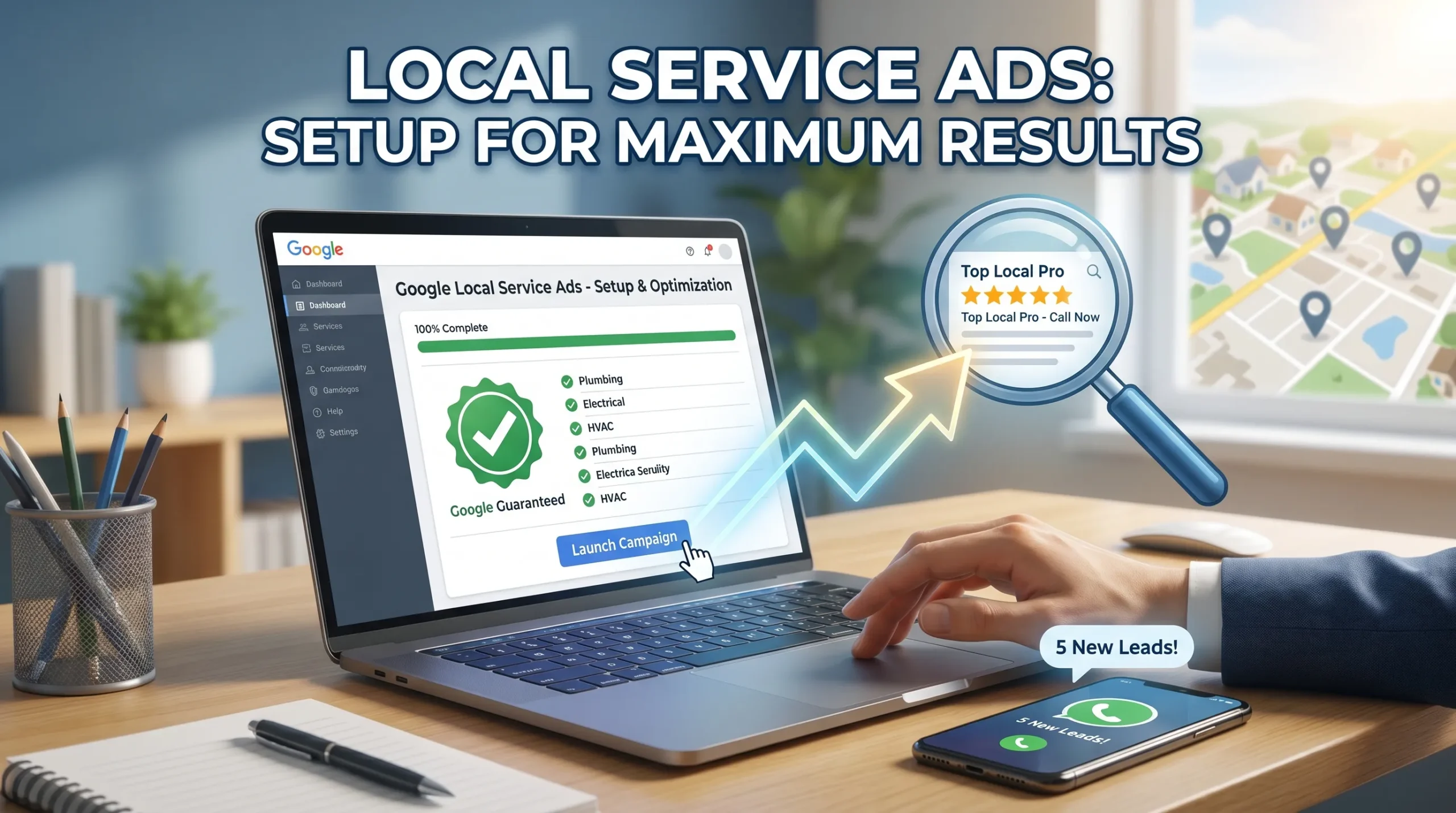
You can achieve maximum results with local service ads setup by following a clear and structured process. This approach boosts your visibility and attracts more qualified leads to your business. Start by checking if you meet the eligibility requirements. Enter accurate business information and complete all verification steps. Optimize your ad details and manage your account regularly. Each step is simple, so you do not need advanced experience. Consistent attention to each part of the process ensures you get the best outcome from your advertising efforts.
Key Takeaways
-
Check your eligibility before starting. Ensure you meet Google’s requirements to avoid delays.
-
Create a complete business profile. Accurate information builds trust and improves your ad ranking.
-
Define your service area wisely. A well-chosen area increases visibility and attracts more qualified leads.
-
Regularly update your services and budget. This keeps your ads relevant and maximizes lead generation.
-
Respond quickly to customer inquiries and reviews. Fast responses enhance your credibility and improve conversion rates.
What Are Local Service Ads
You want your business to stand out when customers search for services in your area. Google local services ads help you reach people who need your expertise right now. These ads appear at the very top of Google search results, making your business one of the first options customers see. You do not need to worry about complicated ad setups or wasted spending. With local services ads, you pay only for real leads—people who contact you directly for your services.
This system gives you more control over your budget and helps you connect with customers who are ready to hire.
How Local Service Ads Work
Google local services ads use a pay-per-lead model. You only pay when a customer contacts you through the ad. This approach is different from traditional Google Ads, where you pay for every click, even if the person is not interested in your services. Local services ads show your business at the top of the page with a special “Google Guaranteed” badge. This badge builds trust with potential customers.
The setup is simple, and you do not need advanced marketing skills to get started.
Tip: Google pre-qualifies leads by checking their location and service needs. This means you get fewer irrelevant calls and more high-quality leads.
Here is a quick comparison:
|
Feature |
Local Service Ads |
Google Ads |
|---|---|---|
|
Cost Model |
Pay-Per-Lead (qualified leads only) |
Pay-Per-Click (every click) |
|
Ad Placement |
Top of page, “Google Guaranteed” badge |
Below LSAs, no trust badge |
|
Setup & Management |
Simple, limited targeting |
Complex, full targeting control |
Benefits for Local Businesses
Local services ads offer several advantages for your business:
-
Increased visibility: Your business appears at the top when customers search for services.
-
Cost-effectiveness: You pay only for leads, not for every click.
-
Trust and credibility: The Google Guaranteed badge and customer reviews help you build trust.
-
Improved local SEO: Using google local services ads can boost your local search rankings.
-
Qualified leads: You connect with customers who are actively searching for your services.
You also benefit from direct contact options. Customers can call or message you right from the ad, which increases your chances of winning new business. Google local services ads work especially well for urgent services like plumbing or HVAC, where customers need help fast. By using these ads, you make sure your business gets noticed by the right people at the right time.
Local Service Ads Setup Steps
You want your business to appear at the top of search results and attract high-intent leads. The local service ads setup process gives you a structured path to reach more customers and increase lead generation. Many business owners feel overwhelmed by digital advertising, but you can set up google local services ads with confidence by following a clear checklist. This section will guide you through each step, from creating your google ads account to launching your first ad.
You will learn how to verify your business profile, meet eligibility requirements, and customize your ad for maximum results.
A successful local service ads setup starts with understanding the requirements. Google uses strict guidelines to ensure only qualified businesses appear in local services ads. You must provide accurate business information, complete background checks, and verify your licenses and insurance. These steps protect customers and help you build trust. When you set up google local services ads, you also improve your visibility in search results and connect with customers who have local intent.
Each step in the setup process increases your chances of receiving valid leads and customer inquiries.
You should know that google updates eligibility requirements often. You need to check google’s guidelines regularly to stay compliant. The setup process also includes linking your google business profile, which is essential for verification and credibility. A complete and accurate business profile signals to google that your business is reliable and active. This improves your ranking in local services ads and helps you stand out in search results. You will also need to define your service area, select your offerings, and set your budget. These choices affect your lead generation and the quality of inquiries you receive.
The following steps will help you complete your local service ads setup efficiently. You will learn how to manage your google local services ads, track lead quality, and respond to customer inquiries. By following this guide, you can maximize your ad customization and calls to action, ensuring your service business gets noticed by the right customers.
Google Ads Account & Access
You must start your local service ads setup by creating a google ads account. This account gives you access to the local services ads platform and allows you to manage your campaigns. You also need a google business profile that matches your business information exactly. Linking your google business profile is a critical part of the verification process. This step helps you earn the google verified badge, which increases your credibility and trust with potential customers.
|
Prerequisite |
Description |
|---|---|
|
Verified Google Business Profile |
You must have a verified google business profile that matches your local service ads setup. |
|
Eligible Service Categories |
Your business must fall within an eligible local services ads category. |
|
Geographic Availability |
Local services ads are available only in select countries and cities. Check if your location qualifies. |
|
Review Minimums by Category |
Some categories require a minimum number of google reviews before your ad can go live. |
|
Licensing and Insurance |
Google checks for necessary licenses and insurance as part of the verification process. |
|
Background Check |
Google performs a background check on the business owner and field workers. |
You should always keep your google business profile information consistent. Google’s algorithms favor businesses with accurate name, address, and phone number (NAP) data across all listings. This consistency improves your visibility in search results and helps you attract more valid leads.
Eligibility Check
You need to confirm your eligibility before you continue with your local service ads setup. Google has specific criteria for each industry and location. You must provide proof of business registration, upload insurance documents, and verify your google business profile. Google also requires a minimum number of reviews for some categories.
If you work in home services, legal, health, or other professional fields, you must complete advanced verification steps.
|
Criteria |
Description |
|---|---|
|
Background Checks |
Google checks the business, owner, and employees for criminal history and civil litigation. |
|
Business Registration |
You must provide proof of business registration and relevant licenses. |
|
Insurance Verification |
Upload insurance documents to verify coverage. |
|
Google Business Profile |
Verify your google business profile through google’s methods. |
|
Review Requirements |
Meet the minimum customer review requirements, usually at least five reviews. |
|
Advanced Verification |
Some categories require video interviews and data reviews. |
|
Complaints and Compliance |
Major complaints can lower your ranking or lead to suspension from local services ads. |
Note: Eligibility requirements for local services ads can change at any time. You should check google’s guidelines often to make sure you stay compliant.
Local services ads are available for many service businesses, including HVAC, plumbing, electricians, landscaping, legal services, real estate, financial planning, home inspectors, doctors, dentists, personal trainers, yoga instructors, childcare, tutoring, hair salons, and auto repair shops.
Business Profile Creation
You must create a complete business profile during your local service ads setup. This profile is the foundation of your google local services ads. You need to select your services, complete background checks, provide licensing and insurance information, and add your business hours. Google uses a robust verification process to establish your credibility.
A complete business profile helps you stand out in search results. It builds trust with potential customers and signals to google that your business is active and reliable.
You should keep your business profile information accurate and up to date. This improves your ranking in local services ads and increases your chances of receiving valid leads.
-
Select the services your business provides from google’s checklist.
-
Complete the background check and verification process.
-
Provide all required licensing and insurance information.
-
Add your business hours and contact details.
-
Preview and publish your ad.
Google values businesses with consistent and polished profiles. This attention to detail can improve your lead generation and help you attract more inquiries.
Service Area & Offerings
You must define your service area and offerings as part of your local service ads setup. Google allows you to select the cities, zip codes, or regions where you want your ads to appear. A larger service area increases your visibility and lead volume. Google prioritizes businesses that are closer to the searcher, which can boost your lead generation.
|
Factor |
Impact on Lead Volume |
|---|---|
|
Service Area Size |
A larger service area increases visibility to potential customers and lead volume. |
|
Proximity to Searcher |
Businesses closer to searchers are prioritized in results, enhancing lead generation. |
You should choose your service area carefully. If you select too large an area, you may receive inquiries from locations you cannot serve. If you choose too small an area, you may miss out on valid leads. You should also specify the services you offer. This helps google match your business with customer inquiries that have local intent.
License, Insurance & Background Check
You must provide proof of licenses and insurance during your local service ads setup. Google requires these documents to protect customers and ensure only qualified businesses appear in local services ads. The type of license and insurance depends on your region and service category.
|
Region/Service Type |
Required Licenses |
Required Insurance |
|---|---|---|
|
General |
General liability insurance, professional licenses |
Proof of insurance and licenses |
|
Lawn Care |
Industry-relevant licenses vary by location |
Pesticide applicator license may be required |
|
Home Services |
Business license, background checks |
Liability insurance required by state law |
Google conducts background checks on business owners and employees. This process can take two to four weeks, depending on the provider. You should plan for this delay when you set up google local services ads. A successful background check is required before your ad can go live. You must keep your documents up to date to avoid interruptions in your local services ads.
Ad Preview & Launch
You should always preview your ad before launching it. Google gives you a preview screen where you can check your business name, service areas, contact number, google guaranteed badge, star rating, and a link to customer reviews. You must confirm all information is correct before you publish your ad.
-
Make sure you have a verified and public google business profile.
-
Review the ad format on the preview screen to confirm all details.
-
After verification, publish your ad, set your budget, and start tracking leads.
-
Manage your google local services ads by responding to inquiries and collecting reviews to improve your ranking.
After you launch your ad, you should monitor your lead generation and lead quality. Track the number of leads, cost per lead, and the source of each inquiry. Respond quickly to customer inquiries to improve your ranking in local services ads. Provide feedback to google on lead quality to help refine your results. By following these local service ads setup steps, you can set up google local services ads that attract valid leads and increase your business’s visibility.
Each step in the setup process helps you reach more customers with local intent and improve your position in search results.
Optimize & Manage Local Service Ads
Once you complete your initial setup, you need to focus on ongoing optimization and management. This step ensures your google local services ads continue to deliver high-quality leads and strong conversion rates. You want your business to stay visible, relevant, and competitive in your market.
Regular updates and active management help you maintain a strong profile and improve your ranking in google search results. By following a clear strategy, you can maximize the quality of your leads and increase your conversion rate.
Update Services & Areas
You should review and update your services and service areas often. Google recommends that you select all job types your business provides. Expanding your offerings can boost your ranking and help you reach more customers. Serving a larger area increases your visibility and relevance in user searches. Make sure your business profile always reflects your current services, hours, and locations. This practice improves the quality of your leads and supports higher conversion rates.
Budget & Bidding
Set a clear budget based on the number of leads you want each week. Adjust your spending for seasonal demand or changes in your business goals. Google allows you to target high-performing neighborhoods and exclude areas with low conversion rates.
Choose the “Maximize Leads” setting in your ads to increase visibility. Monitor your cost per lead and adjust your budget to maintain high quality and conversion.
Collect & Respond to Reviews
Customer reviews play a major role in your local services ads ranking. Encourage satisfied customers to leave positive feedback. Respond quickly to all customer reviews, including negative ones. This shows your commitment to quality and customer satisfaction. Google uses customer reviews from your business profile to influence your ad ranking and visibility. Actively managing reviews helps you build trust and improve conversion rates.
Lead Management & Performance
Track your performance using google’s built-in tools. Monitor lead volume, cost per lead, and conversion rates. Dispute invalid leads to protect your budget and maintain quality. Analyze which keywords and ads generate the most leads. Adjust your strategy based on data to improve your results. Effective lead management means responding quickly and following up with every customer. Such an approach increases your conversion rate and helps you get the most value from your google local services ads.
You can achieve strong results by following each step for setting up and managing your Local Service Ads. Regular updates help you stay visible and attract more local customers. When you optimize your ads, you see real benefits:
|
Benefit |
Description |
|---|---|
|
Your ads appear at the top of search results, increasing engagement. |
|
|
Improved Lead Quality |
You pay only for genuine inquiries, leading to better leads and ROI. |
|
Increased Conversion Rates |
The Google Guaranteed badge and reviews build trust and influence decisions. |
Stay proactive with your ads. Review your profile, respond to leads, and adjust your budget as needed. Start today to see more qualified leads and grow your business.